
Free forever
Mac Disk Cleaner
Free up Mac storage space by clearing caches, junk and app leftovers. Everything goes to the Trash first; items are permanently deleted and space is reclaimed only when you empty the Trash yourself.
Version v1.6.6
Updated: October 30, 2026
Requires macOS 14 Sonoma or later
Size: 4.7 MB
Free DownloadSHA-256: bc3397824f8f738b0f30a870cfe43a48d38e8c6d60259846e42708b00821c5cb
Inside the app
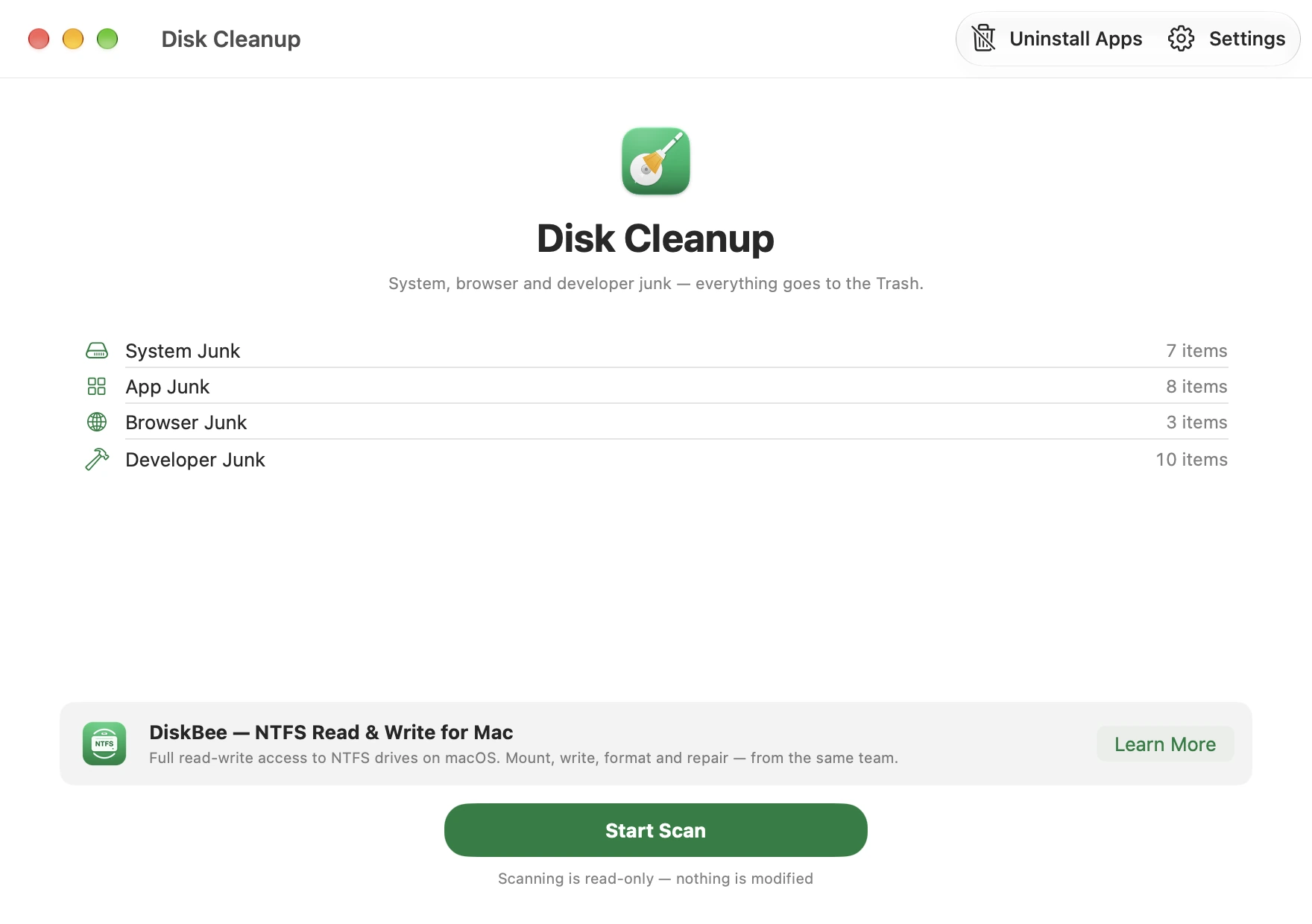
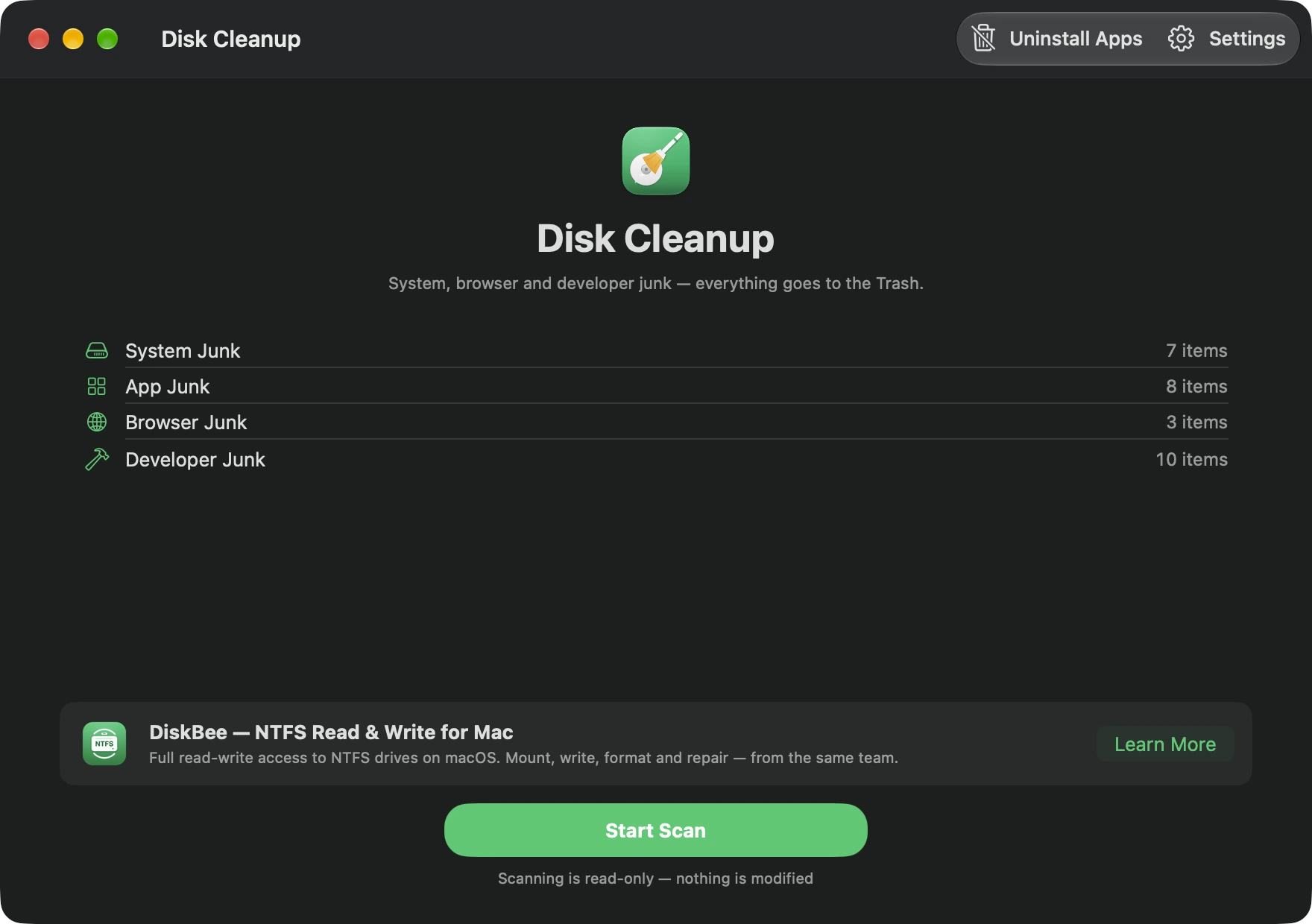
One-click scan
Scanning is read-only: nothing on your disk changes until you choose what to clean.
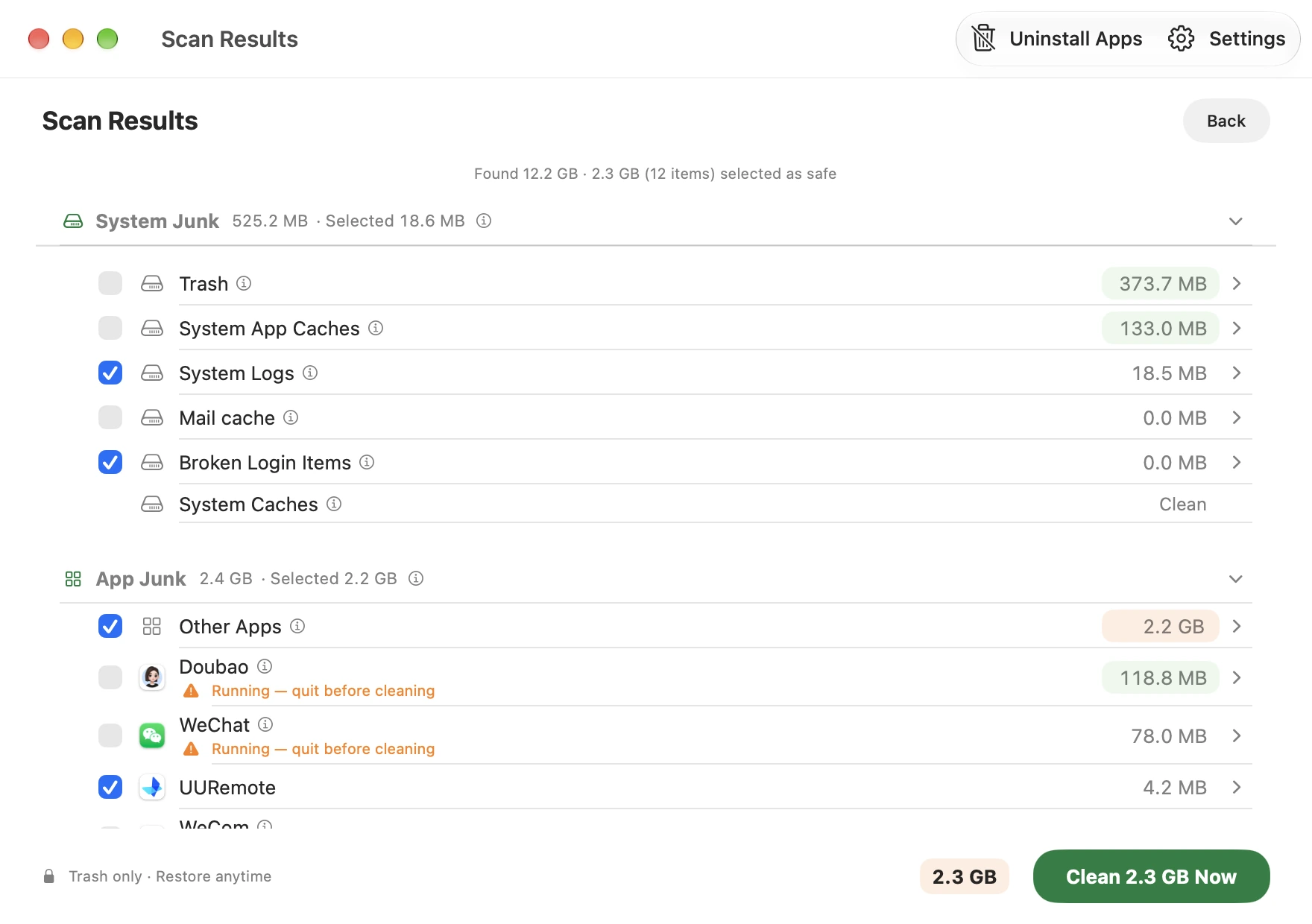
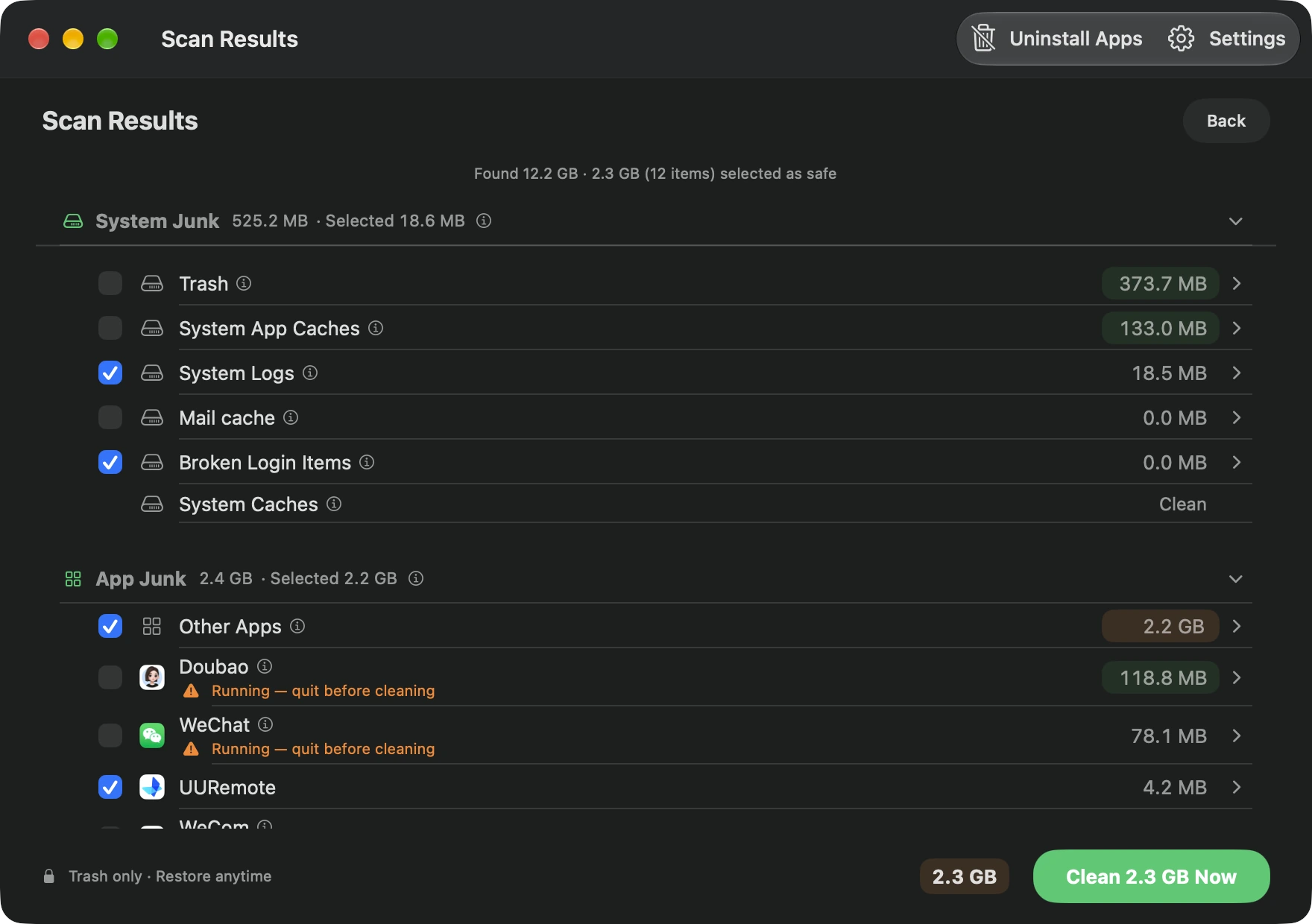
Every byte accounted for
Results are grouped by category with real sizes, so you see where the space went before cleaning.
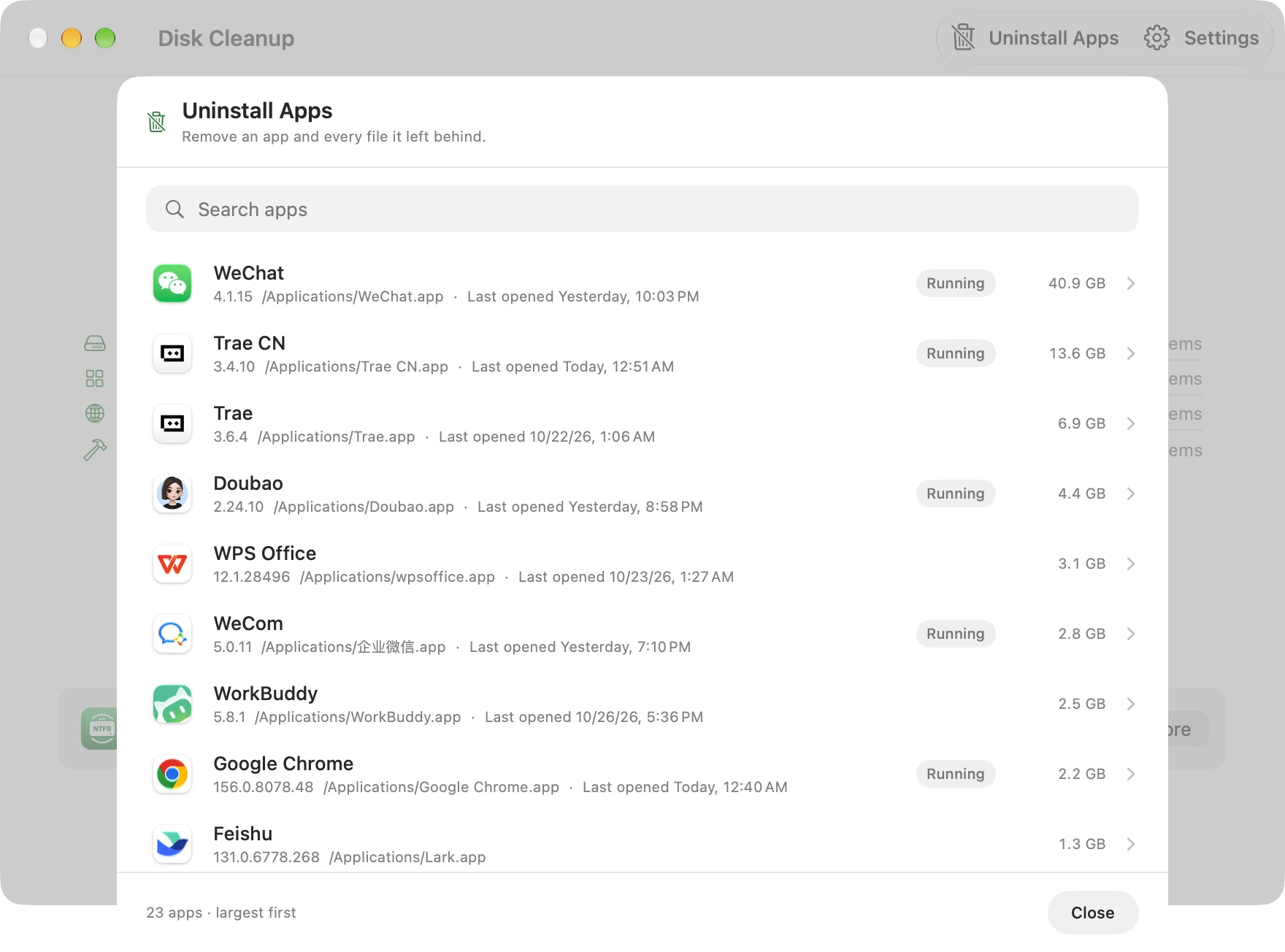
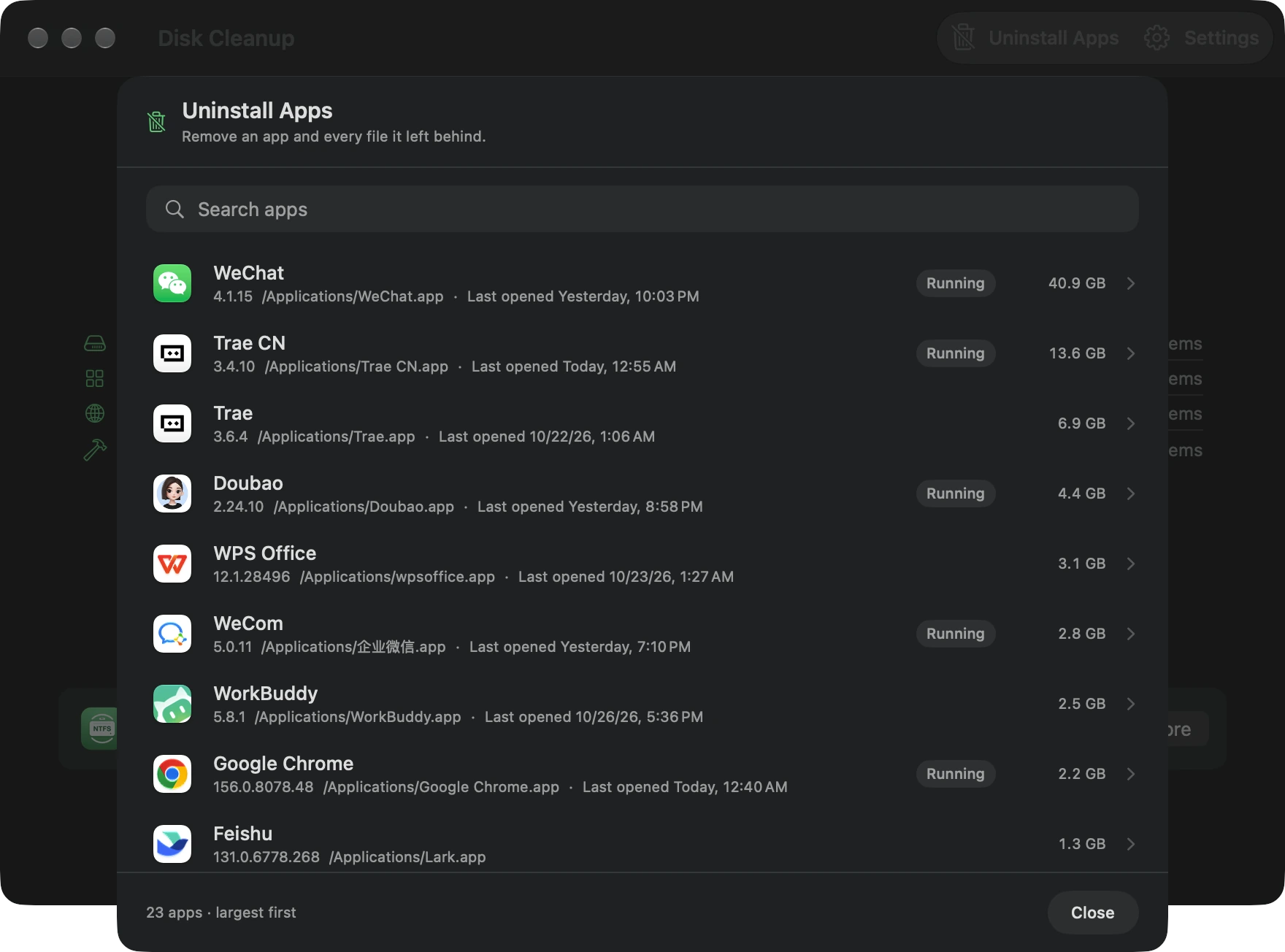
Uninstall without leftovers
Pick an app and remove it together with its caches, preferences and support files. Shared files stay by default.
Real screenshots of the current version. Light and dark mode are both supported.
Why Mac Disk Cleaner
Safe by design
Everything is moved to the Trash and can be restored with one click. The only exception is Empty Trash, which you trigger yourself and which deletes permanently.
Truly free
No third-party ads, no subscriptions, no in-app purchases, no upgrade prompts — free forever. The only promotion you may see is for other apps from the same developer (such as DiskBee).
Private
Scanning runs entirely on your Mac. No file names or paths ever leave your device.
Also uninstalls apps
A built-in uninstaller removes an app and the files it scattered across your disk.
What it cleans
System
Caches, logs, diagnostic reports, Trash and leftover installers, plus iOS backups, firmware images and Mail attachment caches.
Browsers
Cache, GPU and shader caches for a dozen browsers — Chrome, Safari, Edge, Firefox, Arc, Opera, Vivaldi and more.
Developer tools
Xcode DerivedData, IDE data from VS Code/Cursor/Trae, Docker, Homebrew, npm/pnpm/uv, CocoaPods, Gradle and build caches.
Apps
Caches for WeChat, WeCom, QQ, DingTalk, Feishu/Lark, Slack, Discord, Teams and WPS, plus full app uninstall with leftover files.
Mac Storage Cleanup FAQ
How can I free up storage space on a Mac?
Scan system and browser caches, logs, diagnostic reports and developer-tool leftovers with Mac Disk Cleaner, then use its uninstaller to remove apps you no longer need. Review real sizes by category and choose what to remove. Items go to the Trash first; space is reclaimed only after you empty the Trash yourself.
Can it clean macOS System Data?
It can clean some caches, logs, diagnostic reports and developer-tool leftovers that may appear within System Data. System Data also includes essential system files and other data, so it cannot and should not be removed as a whole. The app shows each item and its size instead of promising to erase all System Data.
Is Mac Disk Cleaner really free?
Yes. There are no third-party ads, subscriptions, in-app purchases, or upgrade prompts — the only promotion you may see is for another app from the same developer (DiskBee). The cleaner itself needs no licence.
Can I review items before they are removed?
Yes. Scanning is read-only, and results show real sizes by category. You choose what to clean; selected items go to the Trash so you can restore them.
What does it clean, and can it uninstall apps?
It finds system and browser caches, logs, diagnostic reports, leftover installers, and developer-tool data. Its uninstaller can also remove an app's caches, preferences, and support files while leaving shared files by default.
Which Macs are supported, and is scanning private?
It requires macOS 14 Sonoma or later on Apple Silicon or Intel. Scanning runs entirely on your Mac; file names and paths do not leave your device.
Need to write to a Windows external drive or USB stick?
Mac Disk Cleaner frees up local storage; DiskBee handles NTFS external drives. They work independently, and no purchase is required to use Mac Disk Cleaner.